eSIM on Android — Requirements
Before you start, check the following:
- ✅ Your Android device supports eSIM (see list below)
- ✅ You have a stable WiFi connection
- ✅ You have received the QR code from esimalb.com by email
- ✅ Android version 9 or newer
Supported Android Devices (Selection)
- 📱 Samsung: Galaxy S20, S21, S22, S23, S24, Z Fold, Z Flip (all generations)
- 📱 Google Pixel: Pixel 3 and newer
- 📱 Motorola: Razr 2019 and newer
- 📱 Huawei: P40, Mate 40 and newer
- 📱 OnePlus: OnePlus 12 and newer
Step by Step: Install eSIM on Samsung
- Open Settings → Connections
- Tap SIM Manager
- Select Add eSIM
- Tap Scan QR Code
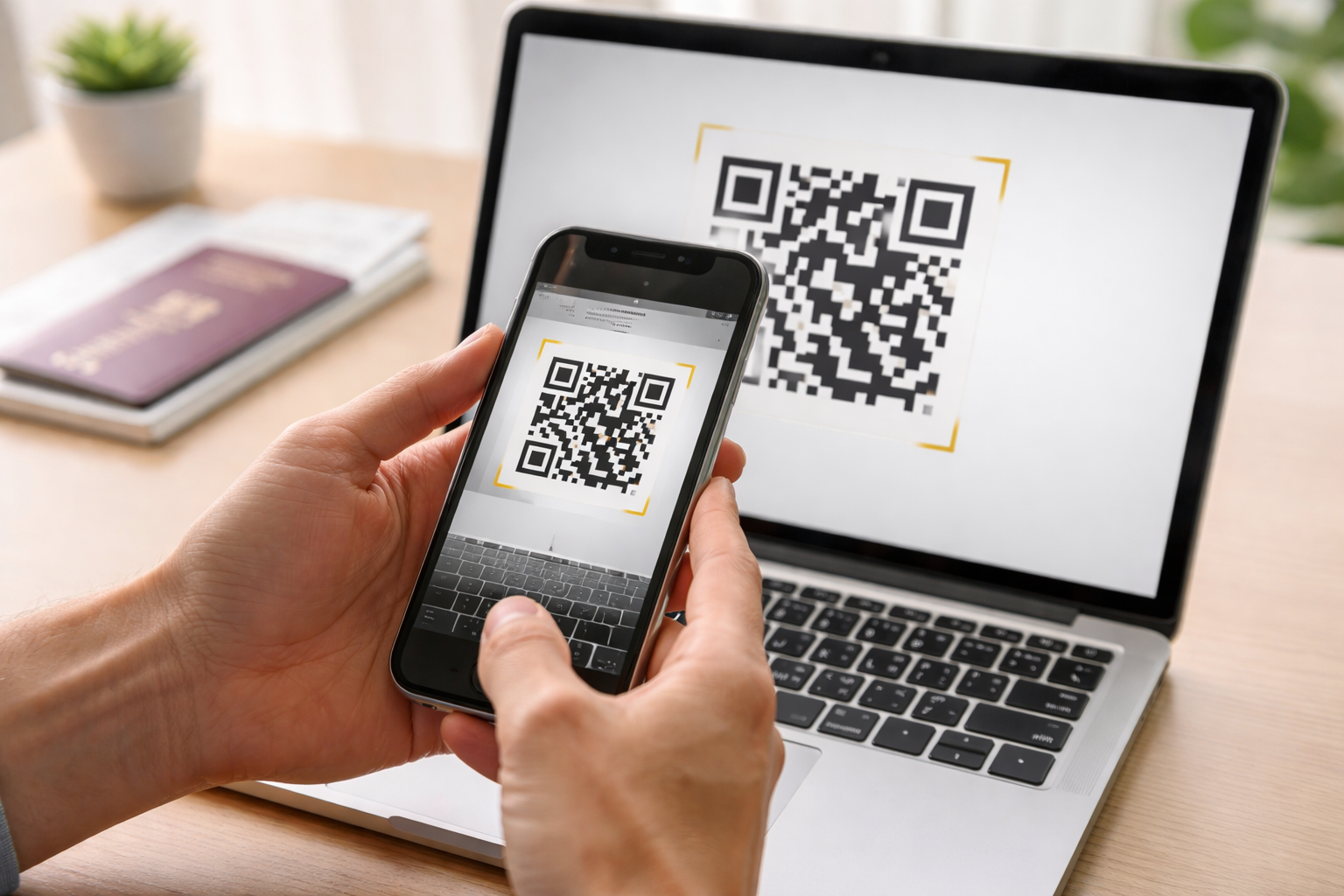
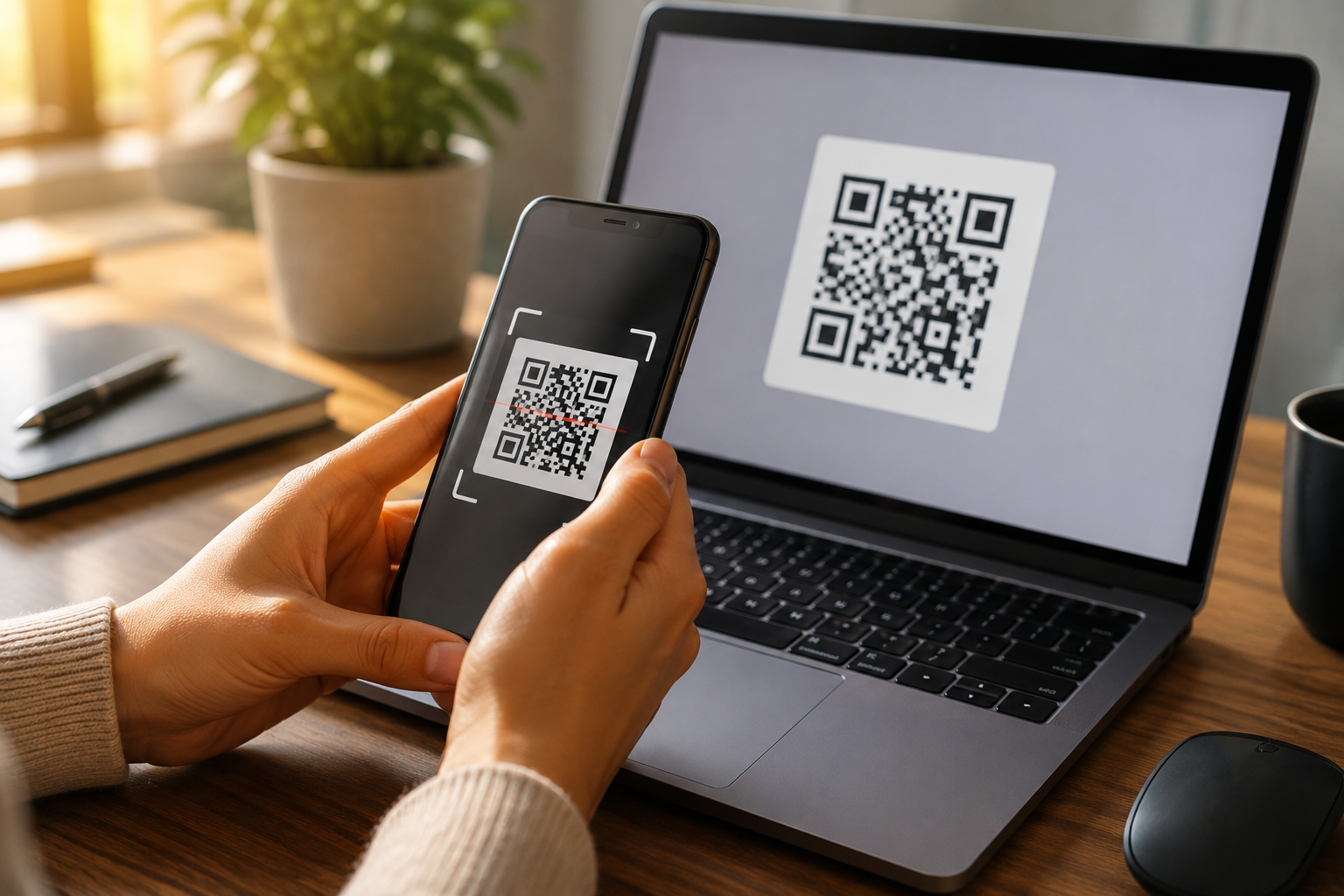
- Scan the QR code from your esimalb.com confirmation email
- Confirm the installation — done!
Step by Step: Install eSIM on Google Pixel
- Open Settings → Network & Internet
- Tap SIMs
- Tap the + icon
- Select Download SIM
- Scan the QR code from your email
- Follow the on-screen instructions — done!
Activate eSIM and Set as Data SIM
After installation, set the eSIM as default for mobile data:
- Samsung: Settings → SIM Manager → Mobile Data → select eSIM
- Pixel: Settings → Network → SIMs → select eSIM for data
This keeps your home SIM active for calls while the eSIM handles the data connection — the ideal dual SIM setup for travelers.
Common Issues & Solutions
- ❓ QR code not recognized: Make sure there is enough light and hold the phone steady. Alternatively you can enter the code manually.
- ❓ eSIM not activating: Check your WiFi connection and restart the device.
- ❓ No data connection: Check whether the eSIM is selected as the data SIM (see above).
If you have further questions, contact us anytime — we are happy to help.